
Beautiful Plants For Your Interior
About our services
We don’t just create smart rings; we build a secure, intuitive ecosystem designed to simplify your daily interactions. From effortless access management to instant digital networking, discover the invisible forces that power your ring.
Masterfully crafted from premium ceramics and advanced resin, it is an ultimate life hack beautifully disguised as luxury jewelry.
Powered by RFID technology. Your ring is always ready.
Your access keys and digital identities are heavily encrypted.
Waterproof, highly scratch-resistant, and hypoallergenic.
Select your specialized core:
Smart Access, NFC Identity, or Tesla Key.
EFFORTLESS EXPERIENCE
Using your NEXUVELL ring is brilliantly intuitive. Powered by advanced passive technology, there are no buttons to press, no screens to wake, and no batteries to charge. Your ring is always on and always ready.
Simply bring your hand close to the target receiver. Whether you are resting your finger on your Tesla’s door pillar, tapping a smartphone to share your digital profile, or accessing a smart lock, the connection is instant and entirely invisible.



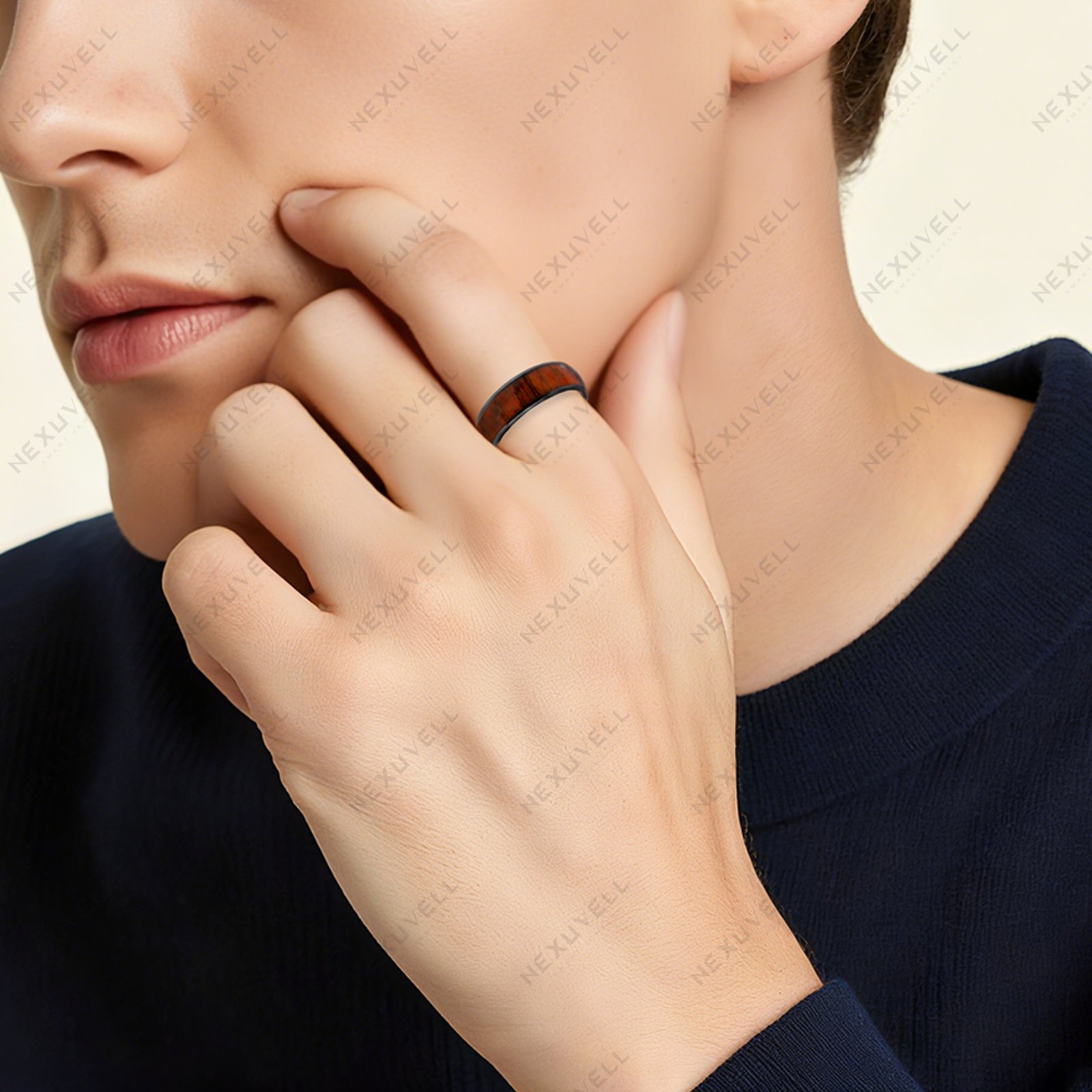
HOW To Use
Getting started with your NEXUVELL ring is as elegant as the design itself. Whether you are unlocking your car, sharing your profile, or entering your office, experience a life without friction. Explore our most common questions below.
To guarantee uncompromising signal reliability, bank-grade security, and our signature ultra-thin profile, we do not combine multiple chips into one ring. Each NEXUVELL ring is masterfully engineered with a single, dedicated core. You will need to choose the specific edition—Access, Tesla, or Social—that best fits your lifestyle.
To ensure seamless compatibility with your building’s system, the Access Edition is available in two dedicated frequency options: 13.56MHz (High Frequency/IC) or 125kHz (Low Frequency/ID).
1. Identify your system: Most modern smart locks and office access controls use the 13.56MHz IC standard. Older or simpler key fobs often use the 125kHz ID standard. We recommend confirming with your building management or checking your current keycard before ordering.
2. Programming: Once you have the correct edition, programming is straightforward. You can easily clone an unencrypted card using a standard NFC/RFID reader/writer. Alternatively, ask your building security to scan and authorize the ring directly into their system, treating it exactly like a new keycard.
Choose the Social Edition Ring. Simply tap your ring to the top of any NFC-enabled smartphone. A notification will appear, directing them instantly to your customized digital profile—no app download required for the receiver.
The Tesla Edition Ring is designed to work flawlessly with Model 3, Model Y, and all Model S/X vehicles produced in 2021 and later. Pairing it takes less than a minute directly through your car’s touchscreen display.

MASTER YOUR RING
Make sure the ring is on your finger. Hover the ring directly over the top edge of any NFC-compatible smartphone (where the sensor is located). A prompt will instantly appear on their screen, linking to your digital profile. No app download is required for the receiver.
First, pair your ring via your vehicle’s touchscreen menu, exactly as you would add a standard Tesla key card. Once paired, simply tap the knuckle wearing the ring against the driver’s side B-pillar (below the camera) to lock, unlock, and start your car.
Use a standard NFC/RFID reader to clone your unencrypted 13.56MHz or 125kHz access card to the ring. Alternatively, ask your building’s security team to register the ring directly into their system. To open, place the ring flush against the smart lock’s sensor panel.
