Setup & Usage Guide
How To Use Your NEXUVELL Smart Ring
Every NEXUVELL ring is powered passively by the reader’s electromagnetic field—zero batteries, zero charging cables, and zero background apps draining your phone.
01 · Identify
Match Your Frequency
Check whether your building fob uses 125 kHz ID (T5577) or 13.56 MHz IC (CUID). Android phones with NFC react to 13.56 MHz IC cards, while 125 kHz ID cards stay silent.
02 · Pair or Write
Enroll in 30 Seconds
Clone your unencrypted fob onto the ring via an RFID duplicator, enroll directly on your smart lock or Tesla touchscreen, or write your contact link using NFC Tools.
03 · Tap & Go
Align the Sweet Spot
Hold the flat outer band parallel to the reader antenna for 0.3 seconds. For smartphones, tap near the top edge (iPhone) or upper back center (Android).
Chip Compatibility Matrix
Choosing the Right Chip for Your System
| Chip Option | Frequency | Primary Use Cases | Android NFC Test | Setup Method |
|---|---|---|---|---|
| T5577 (ID) | 125 kHz | Apartment fobs, gym doors, older office badges | No response (silent) | Clone with 125 kHz RFID writer or enroll at property desk |
| CUID GEN2 (IC) | 13.56 MHz | Mifare 1K smart locks, modern condos, elevators | Chimes / vibrates | Clone with 13.56 MHz writer or Android MCT app (unencrypted) |
| NTAG215 / 216 | 13.56 MHz NFC | Digital business cards, vCard, Instagram, Wi-Fi | Opens link instantly | Write anytime via free NFC Tools app (iPhone & Android) |
| Tesla Key Module | 13.56 MHz | Tesla Model 3, Y, S (2021+), X (2021+) | Vehicle NFC Key | Pair directly on Tesla screen: Controls → Locks → Keys |
Tapping Technique
Optimal Reader Alignment
Door & Elevator Readers
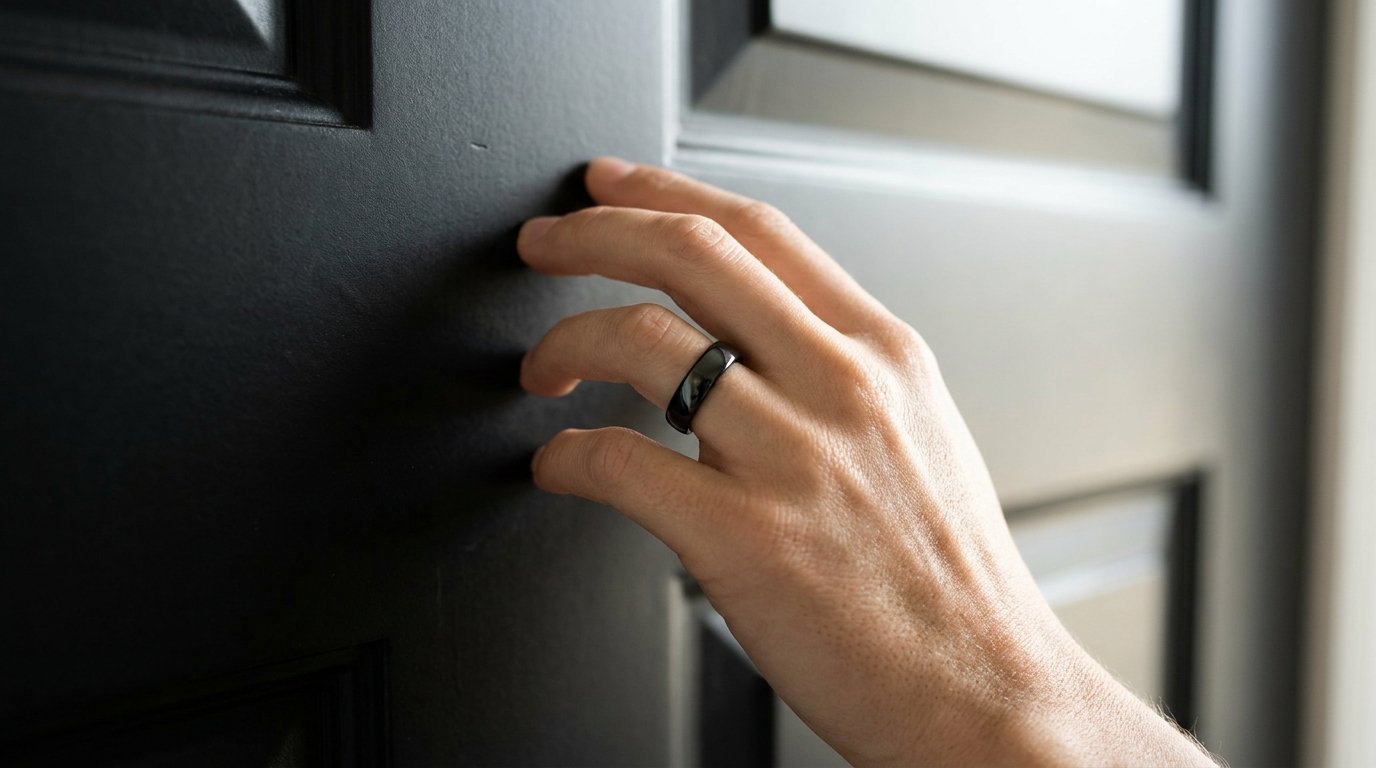
Make a relaxed fist so the flat outer face of the ring sits parallel against the reader symbol for 0.3 seconds.
Tesla B-Pillar & Console
Tap directly below the driver-side B-pillar camera to unlock, then rest your hand behind the cupholders to start driving.
iPhone & Android Sharing
Touch the ring to the very top edge of an iPhone (near the earpiece) or the upper center back of an Android device.
Frequently Asked Questions
Quick Technical Answers
Does a NEXUVELL ring ever need charging?
Never. Every ring uses a passive RFID/NFC micro-transponder powered instantaneously by the reader’s electromagnetic field, sealed inside an IP68 waterproof zirconia ceramic body.
How do I know if my building uses 125 kHz ID or 13.56 MHz IC?
Hold your existing key fob against the back of an NFC-enabled Android smartphone. If the phone vibrates or chimes, it is a 13.56 MHz IC card (choose CUID GEN2). If there is no response, it is typically a 125 kHz ID card (choose T5577).
Which Tesla models work with the Tesla Key Ring?
Compatible with all Tesla Model 3, Model Y, Model S (2021+), and Model X (2021+) vehicles that support Tesla NFC Key Cards. Pairing takes under 30 seconds directly from Controls → Locks → Keys.
Can it copy encrypted hotel or high-security corporate badges?
Standard T5577 and CUID GEN2 rings support unencrypted 125 kHz and 13.56 MHz Mifare Classic cards. Heavily encrypted HID iCLASS/SEOS or DESFire EV2 systems require direct enrollment by your building administrator.
What if I order the wrong ring size?
Zirconia ceramic cannot be resized, so we offer a hassle-free 30-day size exchange guarantee. Reach out to Support@nexuvell.com and our concierge team will arrange your swap.